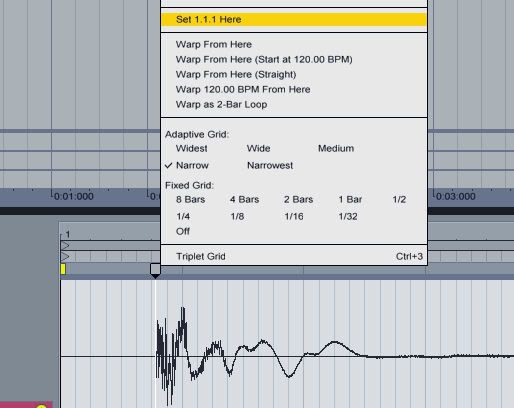
AudioSnap And Ableton 'Set 1.1.1 here'
Hi All,
After getting the latest copy of Computer Music magazine (CM182), I decided to try and follow their 'Samples' tutorial in Sonar X1 to try and expand my knowledge and try something a little different from the norm. However, I've been having a few problems when it comes to the 'Unsynced' sample....
In Ableton Live they make it look so easy with setting the first transient to the start of the clip and placing/locking the other transients to 1/8th notes....
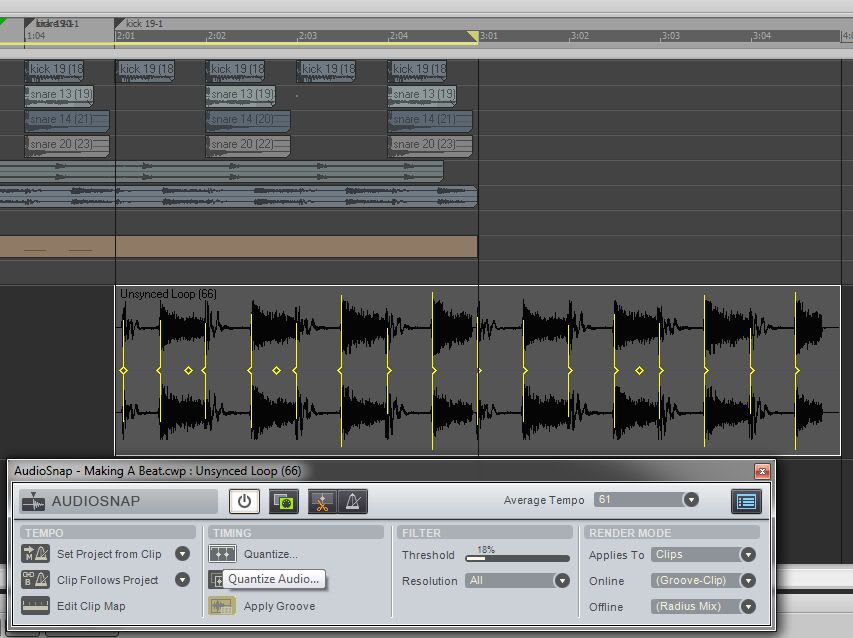
In Sonar, when I enable AudioSnap, set the transients and quantize to 1/8th notes the first transient is ignored...
I could first go through the process of splitting the clip on the first transient and then processing the clip transients, but this seems a little long winded...
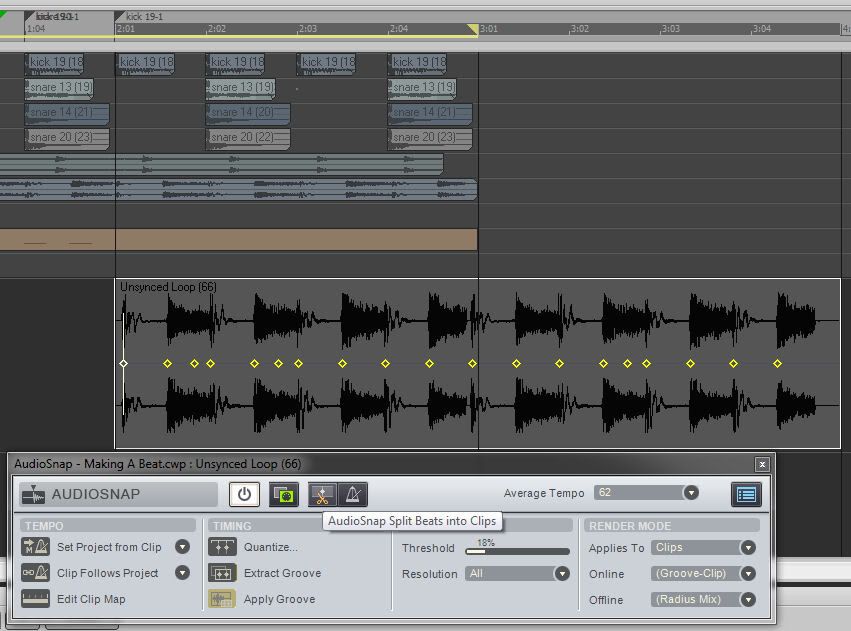
Is there a better way of doing this? I know in the tutorial they position the transients manually, but if possible I would like to use the available tools as the clip will not always be so small.
Also, when I've finished and bounced to clip, I've had problems with the 'Offline' 'Radial Mix' and 'Radial Mix Advanced' settings whereby they seem to reposition the first transient?
I have to say that there doesn't seem to be one definitive guide to AudioSnap, not in the 'Sonar X1 Power' book, Groove 3 or the 'Sonar X1 Advanced Workshop' videos, and as for when you use the various rendering modes it seems to be down to 'suck it and see'?