Kylotan
FastBikerBoy
It's taking a while to figure out exactly what you want......but don't give up on screensets so easily. They are very, very versatile. Does this one help?
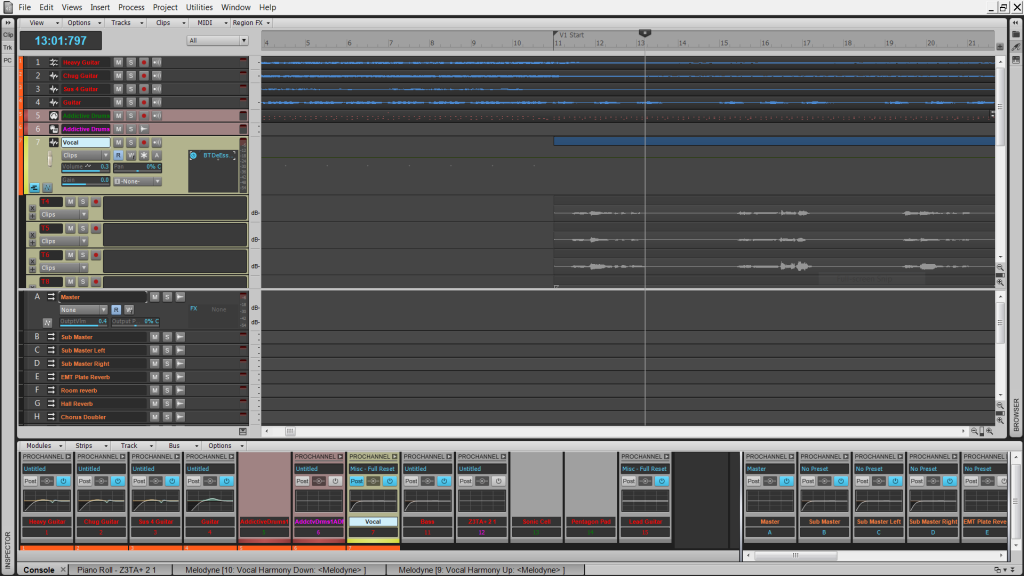
Closer! Now add in a couple of hundred pixels for the Navigator at the top... and make each track taller so that slip editing and fading isn't a game of hunt-the-pixel, and we're better off. (Still, you can see how ridiculous it is to need to have a separate window just for the ProChannel with everything else on the left. :) )
Also, what's your resolution? That screen looks taller than mine.
My screen resolution in 1920 x 1080.
IMHO you'd be better off to stop fighting the program and stop trying to use it like it is 8.5 or earlier. I found it worth taking a short time to learn the "new" ways. The program then starts to make sense. Keypresses D, Shift + D, I, etc along with the screensets all make work so much quicker than earlier versions could ever be.
The navigator now floats if you want it to so there's no need to have it "stuck" at the top although you can of course if you want it there. Something like this.
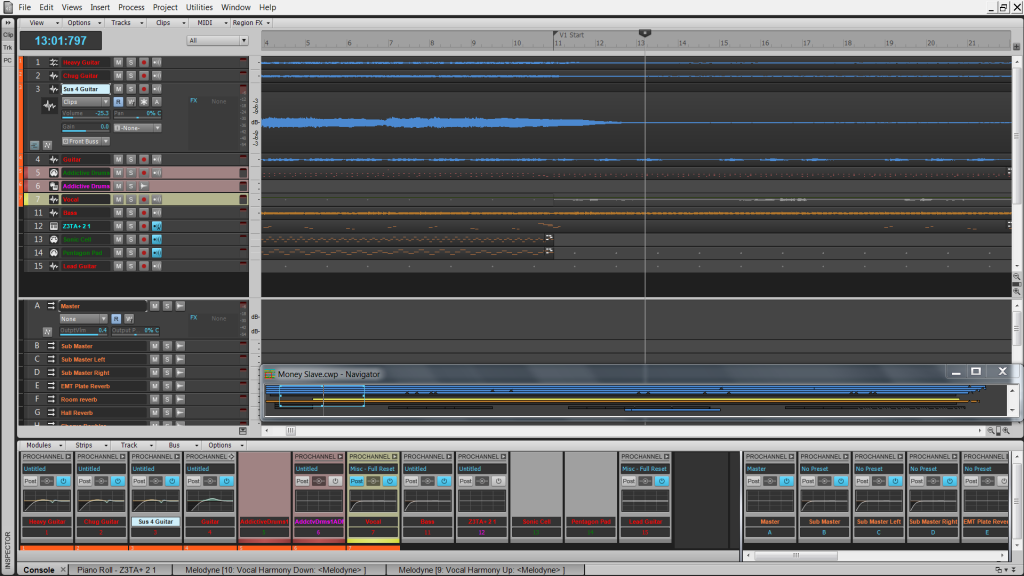
Personally I tend to use the inspector all the time. I have it floating and as track focus changes it follows. If I want all track strips at once I use the CV. It's only a keypress away once it's in the multidock.
With a floating inspector it looks like this...... (I have mine shrunk a little)
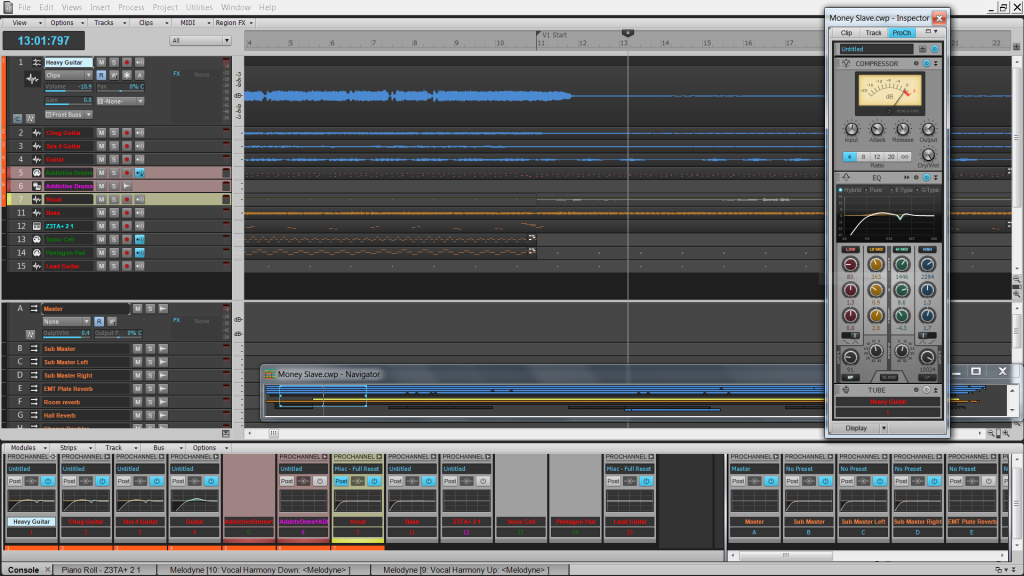
and all you need to do is press "D" and "I" to get to this instantly.
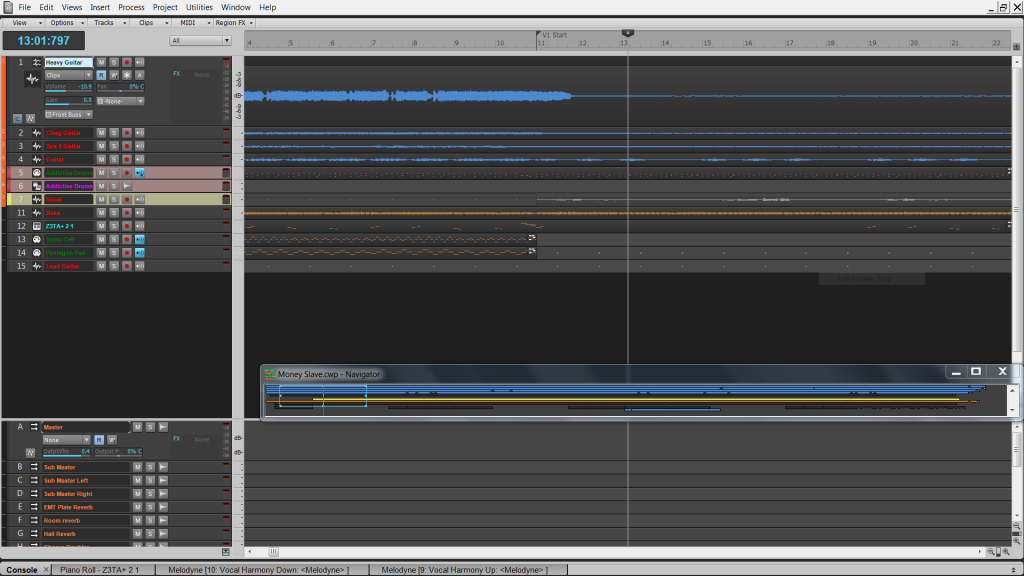
Autozoom makes life easier for a decent track height if you want it and like most other of the useful tools can be turned on or off as needed or not as the case may be.
I have several screensets all set up for a particular task and switch between them as required. It becomes automatic after a while.
I posted about them
here, which gives you an idea of what can be done with them but they can be anything that you want them to be.
Bottom line is if you want to use the FX in the same way as 8.5 then you can but the prochannel is there should you wish to use it. I personally like it because there's no need to have a hundred and one FX windows open.
Ultimately there's only going to be so much info that'll fit on a screen at the same time and given the huge range of functions in Sonar all at once is never going to work. Screensets and the new shortcuts make adapting the view to your needs at any given moment both quick and easy.
YMMV of course.