• SONAR
  • Trouble with Remove Silence
2014/11/17 14:58:55
Resort Records
Hi all,
 
When using the Remove Silence... function with the Split Clips option, the result I'm getting is a hard cut near the Open Level (e.g., -48 dB), regardless of Attack Time and Look Ahead settings.  I've tried dozens of values with no change.
 
Here's the start of an audio clip before applying Remove Silence (note settings):


And here it is afterwards:
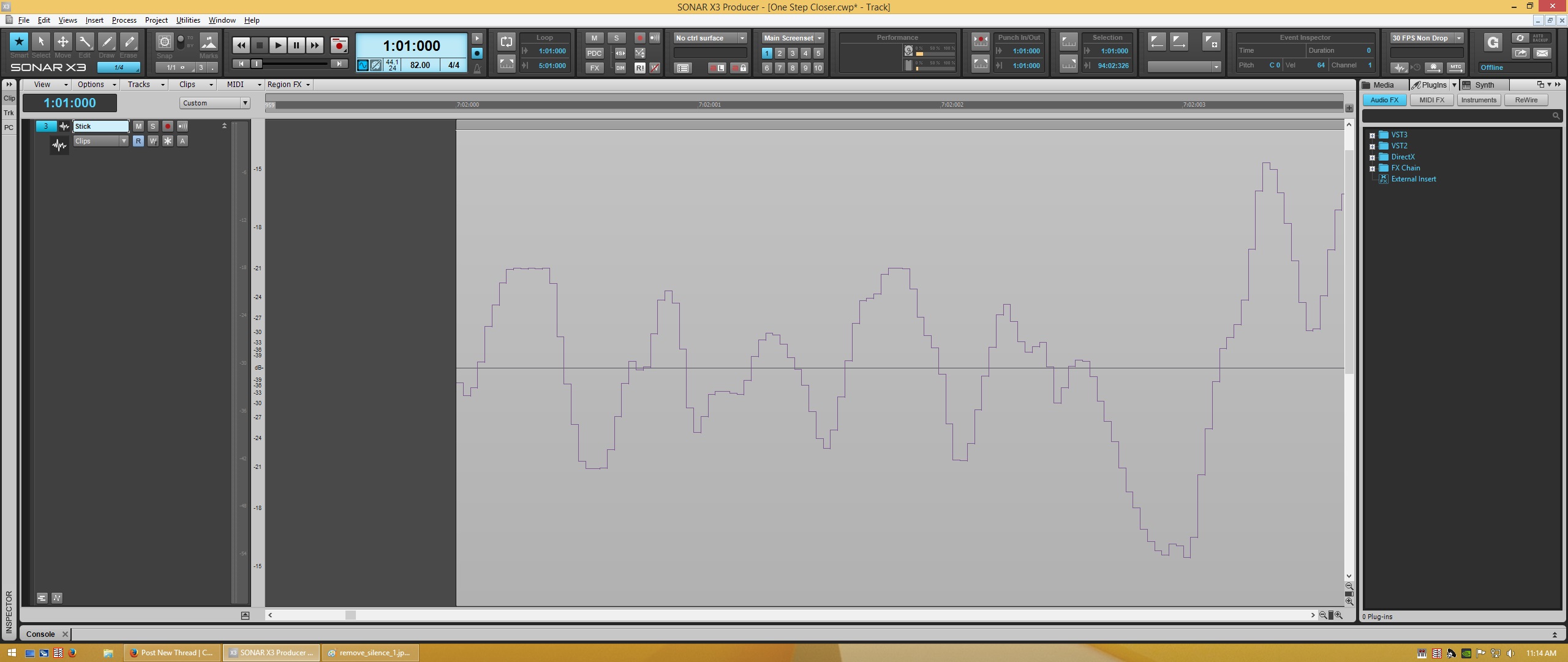


Needless to say, I'm hoping to produce smooth fade-ins at the start of my 'silenced' clips, and preferably, well before the transient.  When importing and prepping large projects, this can be a real time-saver, but not when all of the resulting clips require inspection and editing.
 
Any help is appreciated.
2014/11/20 19:24:10
gswitz
Select all the split clips and ctrl click to do the fades and drag them all together.
Alternatively, use the menus to add the fades and choose the milliseconds your prefer.
2014/11/26 02:42:49
Resort Records
The Ctrl+Click method worked brilliantly.  Thank you!
 
Admittedly, I couldn't find the "menu" option.  I thought maybe you meant Process > Apply Effect > Fade/Envelope, but it offers no millisecond option, etc.  Help?
 
Thanks again.
2014/11/26 20:53:14
gswitz
Sorry, I forgot about this thread. but I'm here now. :-)
 
I have it saved to ctrl+shift+r shortcut.
In Track View, it's under the Clips Menu > Fade Clips.
 
Other key bindings I have saved are bounce to tracks >Ctrl+shift+E
and Bounce to Clips > Ctrl+shift+R
 
To save things to your own key bindings see this link
http://www.cakewalk.com/Documentation?product=SONAR%20X3&language=3&help=0x200DF
 
I hope this helps.
 
© 2026 APG vNext Commercial Version 5.1

Use My Existing Forum Account

Use My Social Media Account