I had this issue, "hollow clips" again just this week.
I have it when I don't un-tick "mute previous takes" when punching in.
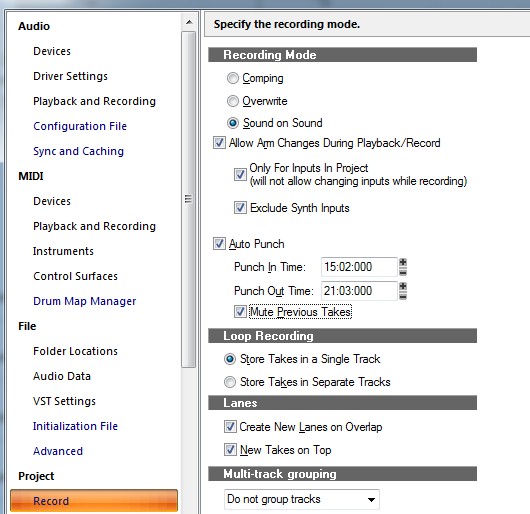
(I like to loop a section, then punch in to build background vocals)
I don't know why it occasionally pops back up, project specific?
You can fix the "hollow clips" by selecting the erase tool and hitting F10.
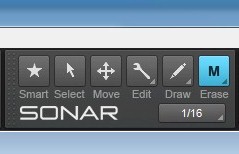
Now when you run the erase tool over the hollow clip it "un-mutes" it.
If its "muted", then "K" should fix it, but too late for that now though...
Frustrating behavior to say the least.
As frustrating as finding the solution earlier (via a google search) and forgetting to bookmark it.
DOH!
Almost forgot, now I need to back and "un-tick" "mute previous takes"!
T