OK so the above may have been a little confusing. Maybe some visuals would help?
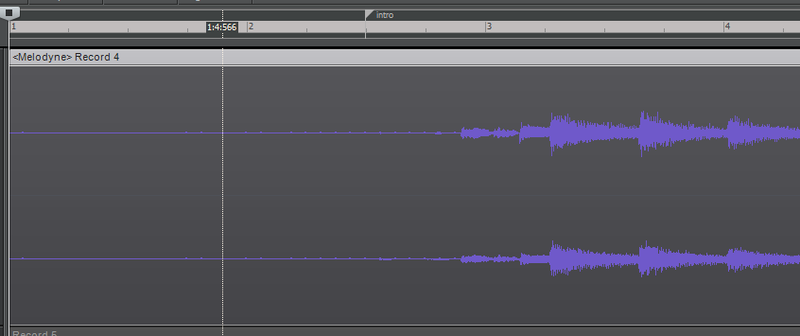
Here's the track I've converted to a Region FX, in order to extract a tempo map:
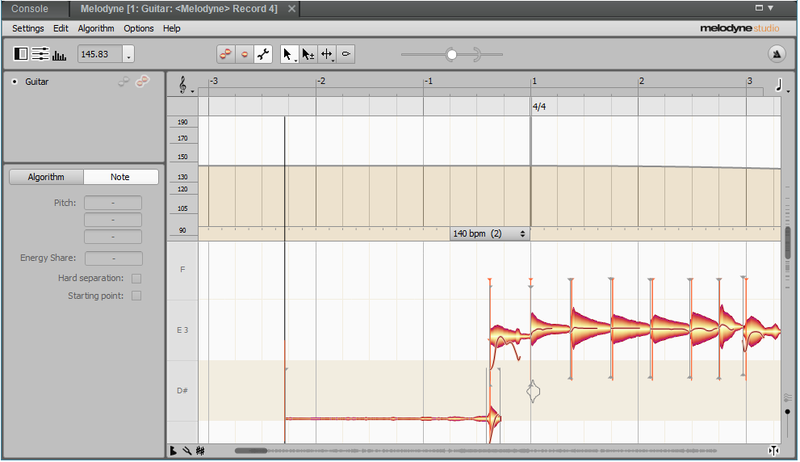
the Imported ARA track now looks like this after choosing the assign file tempo option. It recognizes the pickup beat and correctly identifies the first measure:
When select the Apply Region Tempo (or simply drag the ARA track onto the timeline), it exports the tempo map. However the tempo map starts at measure 1:1, whereas the track itself begins around measure 3, as seen above:
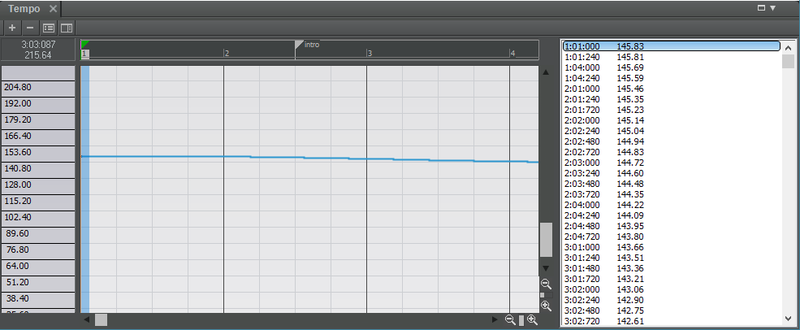
So 1. How to I make the tempo map "wait" for the actual track to start and also account for the pickup beat and
2. How to I set the transient point to be the first measure once a tempo map has been created. If I use the "Assign Measure/Beat to Now" option I get an error message that says "Invalid measure and/or beat. The tempo required for that location is out of range".