Works here, optical out from the motherboard; you will see it glowing red as described above.
That into the RME Babyface.
Looks like this in SONAR when selecting the optical input.
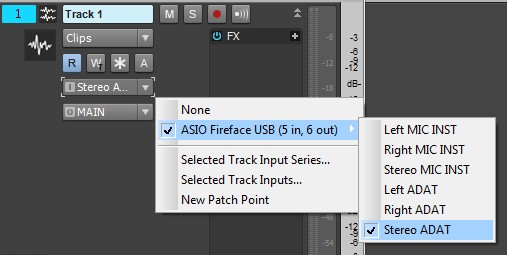
Notice I'm using "friendly" names for my I\O.
Make sure your optical input is selected in
Preferences>Audio>DevicesAnd you have to assign your PC audio out to the optical in Control Panel (Win 7 anyway),
again as described above.
Wish you could select both there, analog and digital...
HTH