• Hardware
  • Pictures & Gear listing of your studio. (p.6)
2013/10/13 22:08:29
LpMike75
What I want to know is...where the heck is everyone hiding their chords?? 
 
I would post a pic of my little room, but it's hard to see any equipment under the mountains of tangled chords that are connecting everything together
2013/10/13 22:26:17
losguy
That's a good question.  For me, it's kind of a balancing act - cords that are more "permanent" (power and USB to keyboards and racks, audio from interfaces to amps, etc.) I run behind equipment on the floor of my small studio. Mic and headphone cables for placements that move, I find, have to run in a way that can move too, so portions of those runs do go across the floor. If I were a guitar player, I could imagine a cord or two having to run across the floor. (That's the way it is for the USB cord on my keytar LOL.)
2013/10/25 11:03:14
townstra
I guess I'll have to wait until I have enough posts to be able to include a link since I can't figure out any other way to insert photos here.
2013/10/26 13:15:09
Jay Tee 4303
Here's a few pix of the upgrades I'm just completing now.
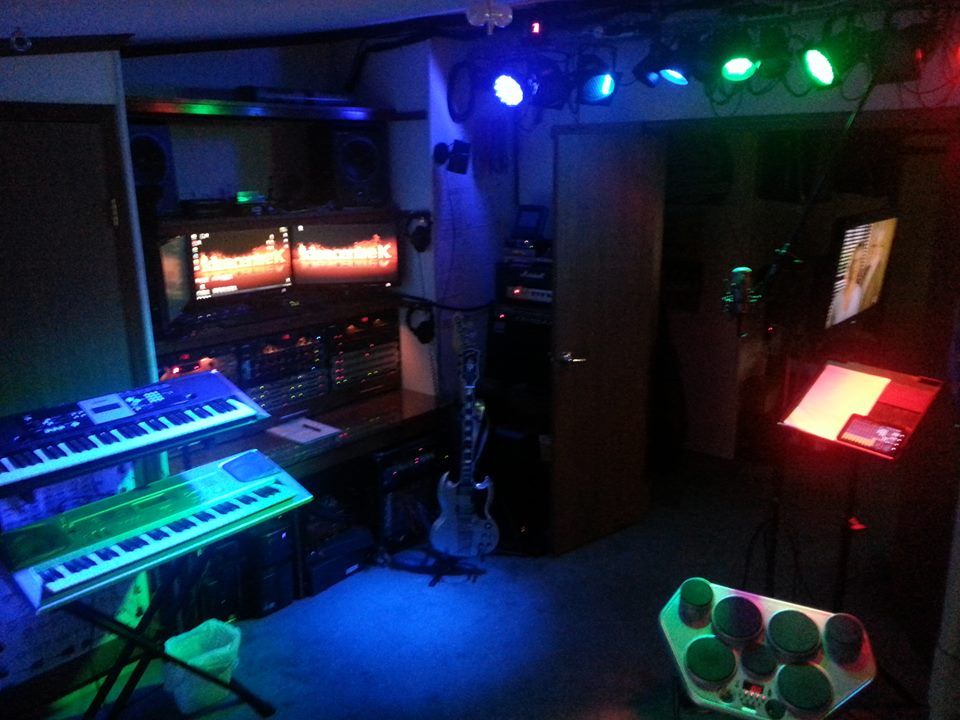


 Main Tracking Room. Control room is behind the monitors and racks. Playback room is visible center right. Remote Studio is set up in the room behind you as you face the racks and monitors.
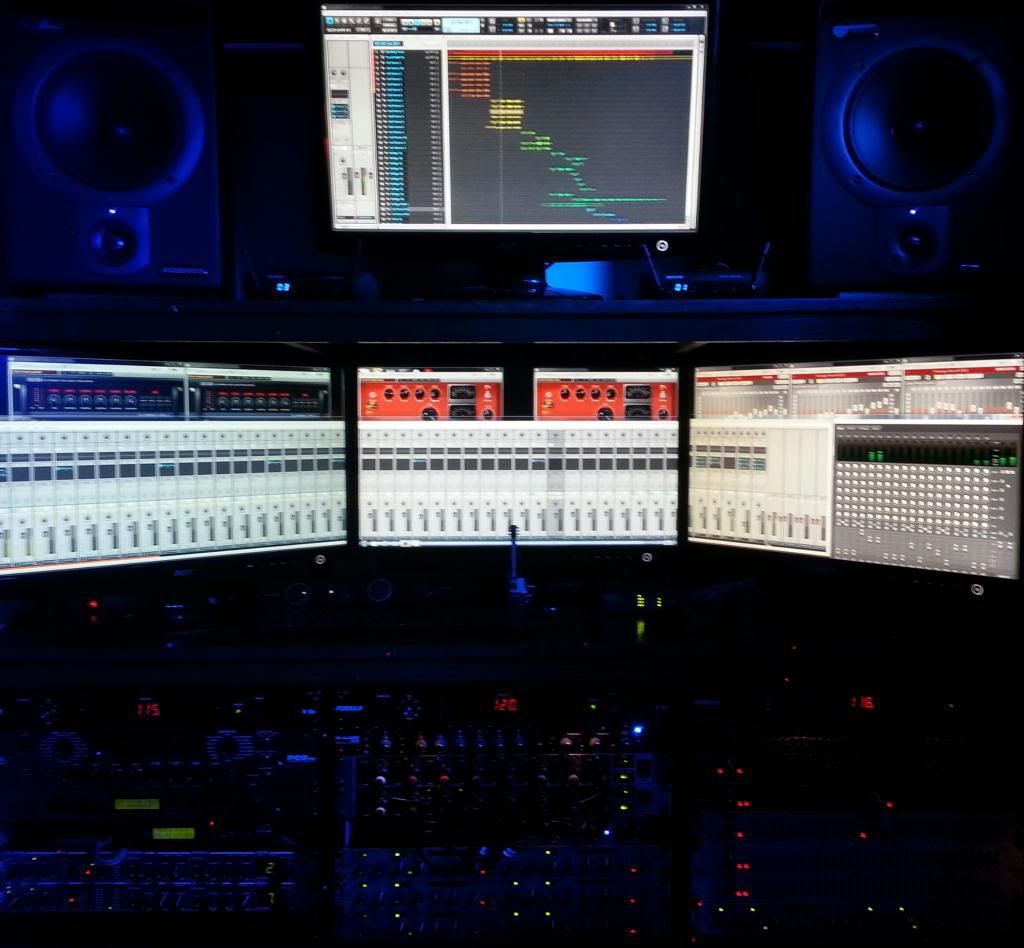


 I just added the 4th monitor (top). My computer upgrades never work the first try, especially when I close up the box before testing. Until this time! The left monitor has dual inputs, fed by the main DAW, and a supporting PC I use for softsynths and video collaboration. The primary DAW is an i7 quad w 12GB RAM, running X1 Studio. I have X1 Producer, X2 producer and X2 Essential in boxes, but haven't decided what needs to be deployed exactly where yet. So far, it hasn't been a limitation.
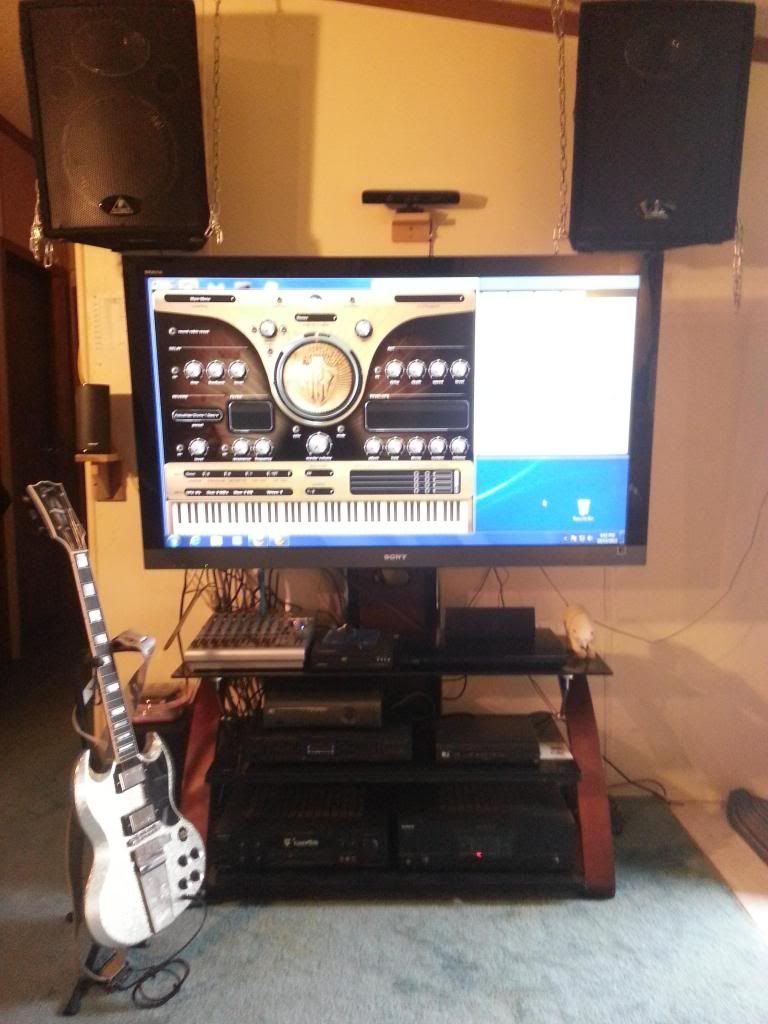


 Playback Room. The bigscreen is fed by the supporting PC in the tracking room, the Remote Studio, a BluRay and a DVD player, sat dish and Xbox. Audio feeds from the other rooms.
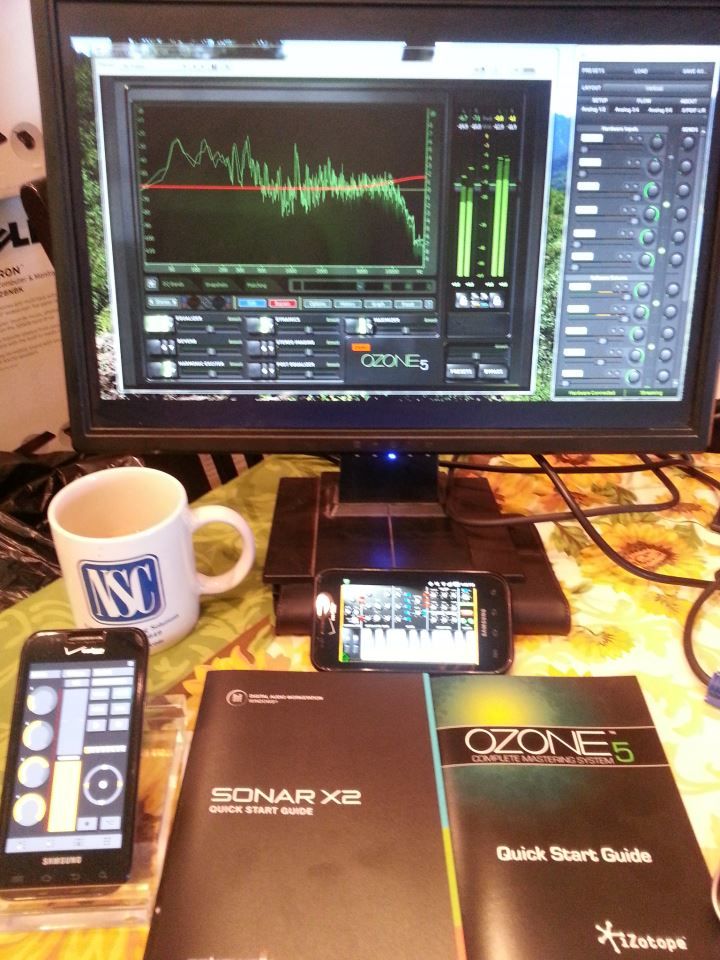


 This is the Remote Studio, currently set up as an alternate mixing/mastering console. It runs off a laptop not pictured.
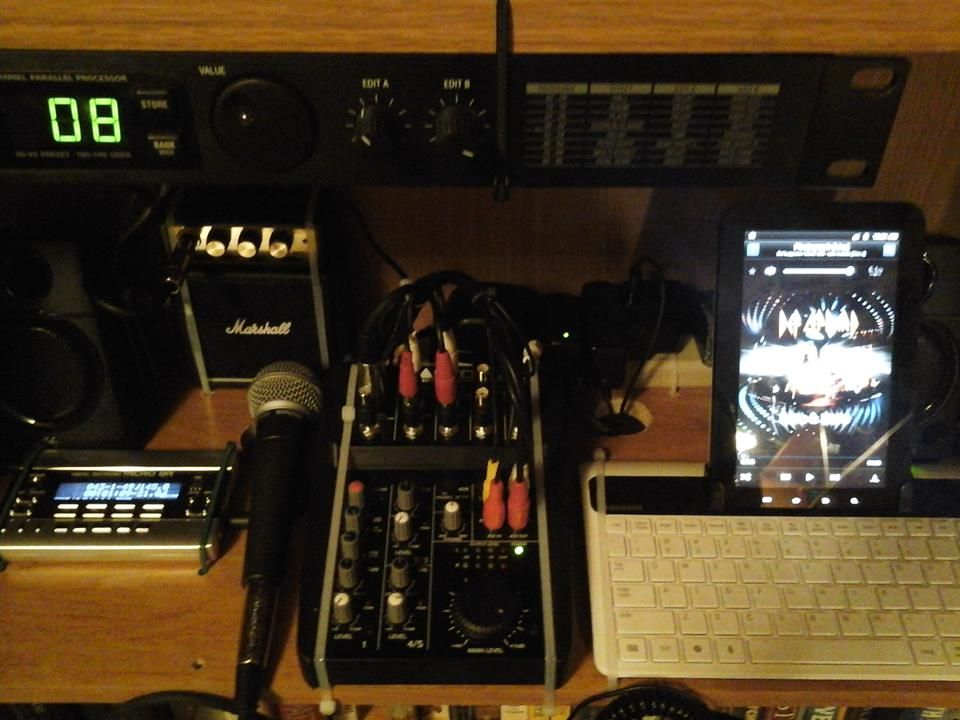


 This is a little writing/practice/arranging studio I set up on a bookshelf platform. Its mobile, drives headphones or PC speakers, and is only connected to the LAN via Sneakernet (SDcard manual transfer). The Android platform has a ways to go when it comes to digital audio, so I use a Boss Micro BR for recording. The tablet however, makes a great source for MP3 playback and Youtube videos. Best of all, no matter who is here or what time it is, I am the only one who can hear it with the speakers off and phones on!
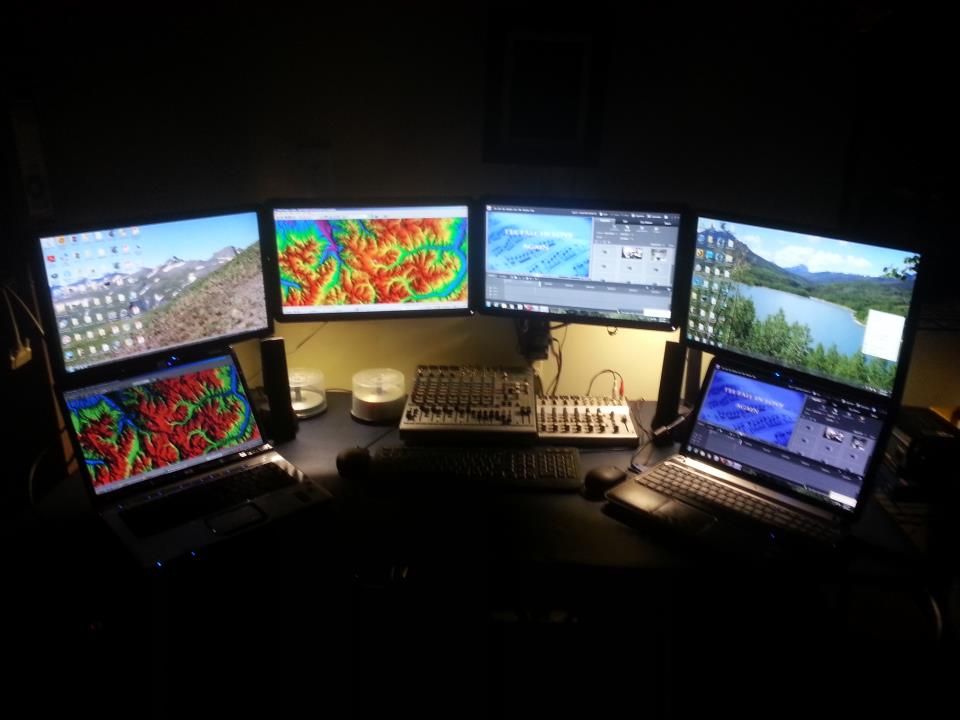


This is the main control room, up and running independently, and on the LAN, but the audio links are not yet in place. I am tripping over the snake I'm going to use, but up till this week, a new male kitten was getting fascinated by wirechewing everytime I attempted to thru-wall it, so it has been delayed. He had minor surgery on Monday, and only destroys things once or twice a day now, so I'll be finishing that project momentarily.
 
Both laptops float around. The left two screens are driven by the Video Editing PC, which also hosts the main file server for the LAN. The right two screens are driven by a PC which does double duty as a print server and internet access for Guests.
 
I got tired of Billgates haughteur, and instituted filesharing via a 1TB LAN cloud drive, which gets around the networking vagaries of Vista and Win 7 admirably. All told, there's around 10TB of file storage space available or in use.
 
Byte Me, Bill!
 
:-)
2013/10/26 15:16:57
Jay Tee 4303
losguy
That's a good question.  For me, it's kind of a balancing act - cords that are more "permanent" (power and USB to keyboards and racks, audio from interfaces to amps, etc.) I run behind equipment on the floor of my small studio. Mic and headphone cables for placements that move, I find, have to run in a way that can move too, so portions of those runs do go across the floor. If I were a guitar player, I could imagine a cord or two having to run across the floor. (That's the way it is for the USB cord on my keytar LOL.)


I've planted ceiling and wall hooks of varying sizes in strategic locations, and those, together with technical climbing type carabiners, are very handy for routing temporary cables, diffusers, absorbers, backdrops for video, pretty much anything that needs use that isn't nailed or bolted down.
 
Be aware of sizing issues if you pick these up at a hardware store. Many of the ones I got that way are size limiting for safety reasons. For example, a small carabiner refuses to clip onto a medium sized eyehook or chainlink, AND vice versa. I think they do that on purpose to prevent you from compromising the load carrying capacity by mixing and matching differing components. 
 
Not usually a problem with cables,  but if you are flying monitors or other heavy gear, it might be.  Also, you're probably best off finding and hitting studs or structural elements, not just swinging from sheetrock or thin panelling. Testing placements with bodyweight before use may also avoid inconvenience, negative publicity, hikes in liability insurance and just plain chaos too.
 
:-)
2013/10/26 15:52:57
RobertB
Looks good, Bill.
And your control room monitors are making me homesick.
Top left, looking West from the top of Berthoud Pass toward the back side of James Peak?
Top right, Grand Lake toward Mt Baldy?
2013/10/31 12:05:30
Jay Tee 4303
Thanks, Robert. I go by JT, "Bill" refers to a notorious software pirate.
 
Those pix are from SW Colorado, in the San Juan range. Upper left is from Bighorn Ridge looking southeast across Wildhorse Creek towards American Flats. Zoom out a bit and Wildhorse Peak would be on the left.
 
The top right pic is looking south over Silverjack Lake, with Courthouse Mountain in the distance on the right.
 
Both are part of panoramas I shot, but I have yet to figure out how to sequence panoramas across multipke extended monitors.
2013/10/31 21:35:00
Kev999
FreeFlyBertl
strange thread

 
Old thread!
© 2026 APG vNext Commercial Version 5.1

Use My Existing Forum Account

Use My Social Media Account