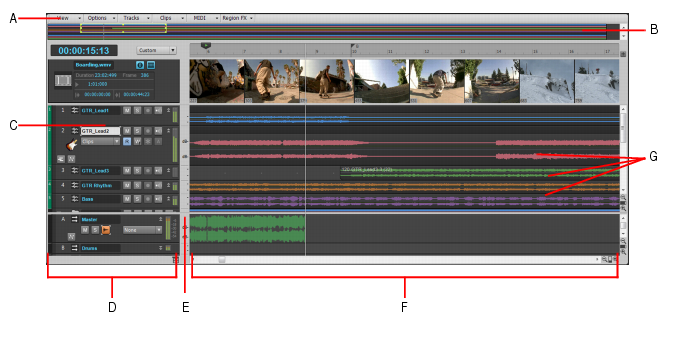
Above the track headers (pointed to by C) and below the track view menu (pointed to by A) to the right of the time display is a drop down which is set to
Custom. Change the value to
All to see everything available in the track header. The keyboard shortcut is SHIFT and the LEFT/RIGHT Arrow keys.
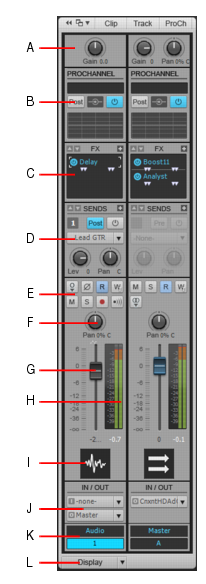
Or click the Clips tab in the Inspector to reveal the track strip in the Inspector. The FX Bin is pointed to C below
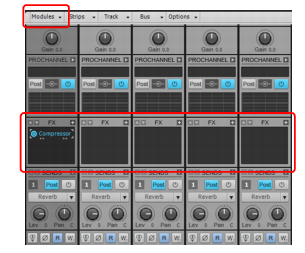
The FX bin is also displayed in the Console view, in the big red box below
BTW, you may want to start posting in the X Series forum. This forum is for older Pre-X series versions of SONAR.