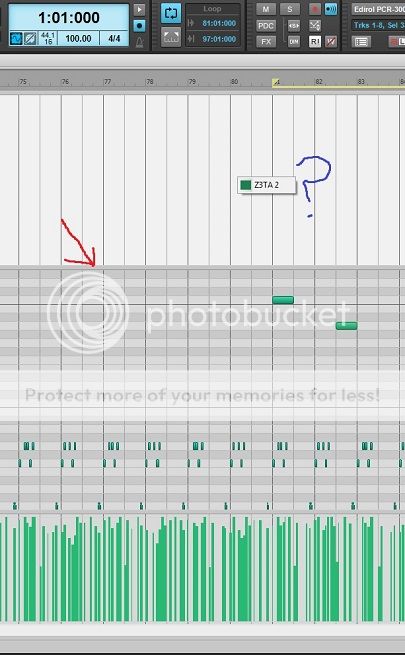
I've never noticed this before. If you move the mouse up to the top of the piano roll, you can drag the top part down (grab the part the red arrow is pointing at) to reveal the area shown in the following picture. It looks very much like the controller area at the bottom which is displaying velocity bars but all it seems to be able to do is to display the name of the plugin in use along with a colour (like the little box next to the blue question mark).
I've not been able to work out what this is from either the manual or videos. Does anybody know what it is or does?