It can be a pain having to scroll through the list to find the track you want - but you can minimise this pain with a little forward thinking & planning.
What I do is to have all my Midi tracks in one Midi Tracks folder so they will all appear in one contiguous block in the Pick Tracks dialog
Also, every Midi track has an 'M' at then end of the track name, so I'll have Bass M, Piano M as track names.
Also, if you select the Midi track you want in Track View, Alt + 3 will open the relevant PRV
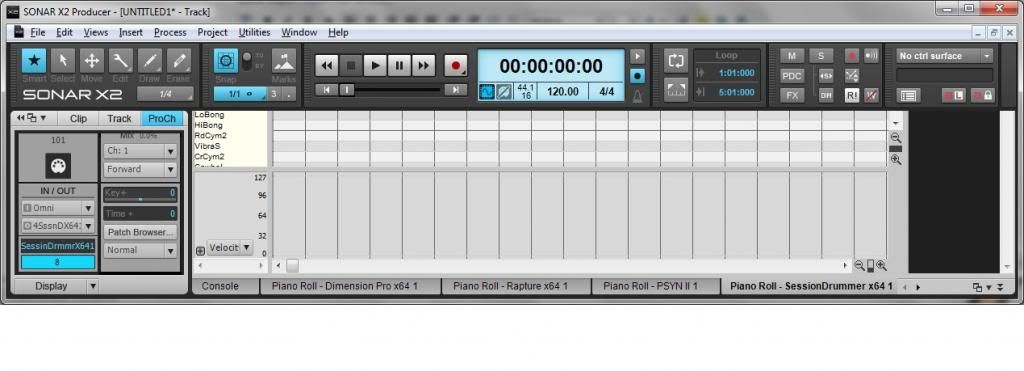
Another thing you can do is to open ALL of your Midi tracks in the prv on separate tabs and have them all docked in the multidock and then save this as a specific screenset, like this: