This is quite simple.
Select the tracks you want to view via the Tracks drop down:
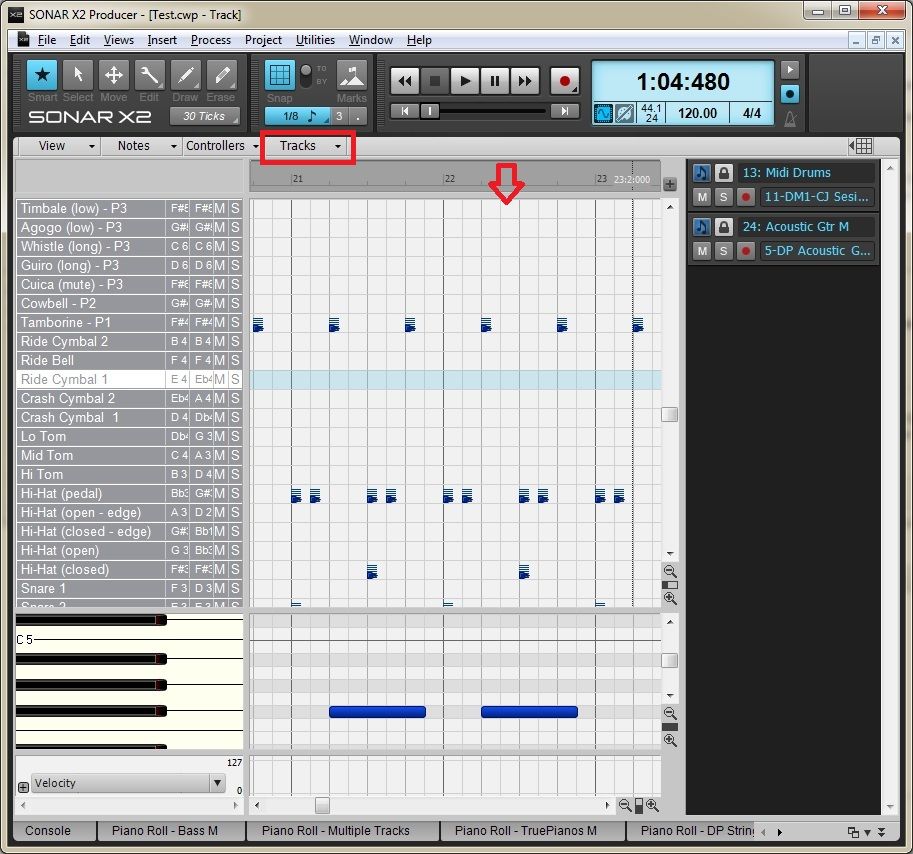
To select non-contiguous tracks, use the ctrl key, use shift for a range of contiguous tracks
Then, if you can only see one track, drag down the divider so the other track is revealed.
Also, whichever track you select on the right hand side using the Track Pane becomes the active track for editing (and also becomes the track receiving the Focus in Track View)