Jeff M.
I had the same impression when I first got it, too 
The tuts were helpful getting things going.
I started here and went through the 3 sections - Getting Started, Essentials, Key Techniques:
https://helpx.adobe.com/photoshop/tutorials.html
Then there's this batch: http://www.photoshop.com/tutorials?product=ps
Thanks for the links Jeff, I really appreciate that
So far, I've just about managed to customise PS to how I like it, user-defined Keyboard Shortcuts are a great feature. I've also got my Nik Efex and Topaz plug-ins to appear in the appropriate menus.
I've also been finding my way around and sussed out how to do everything I could in Elements. Next step is to start learning the rest of it!
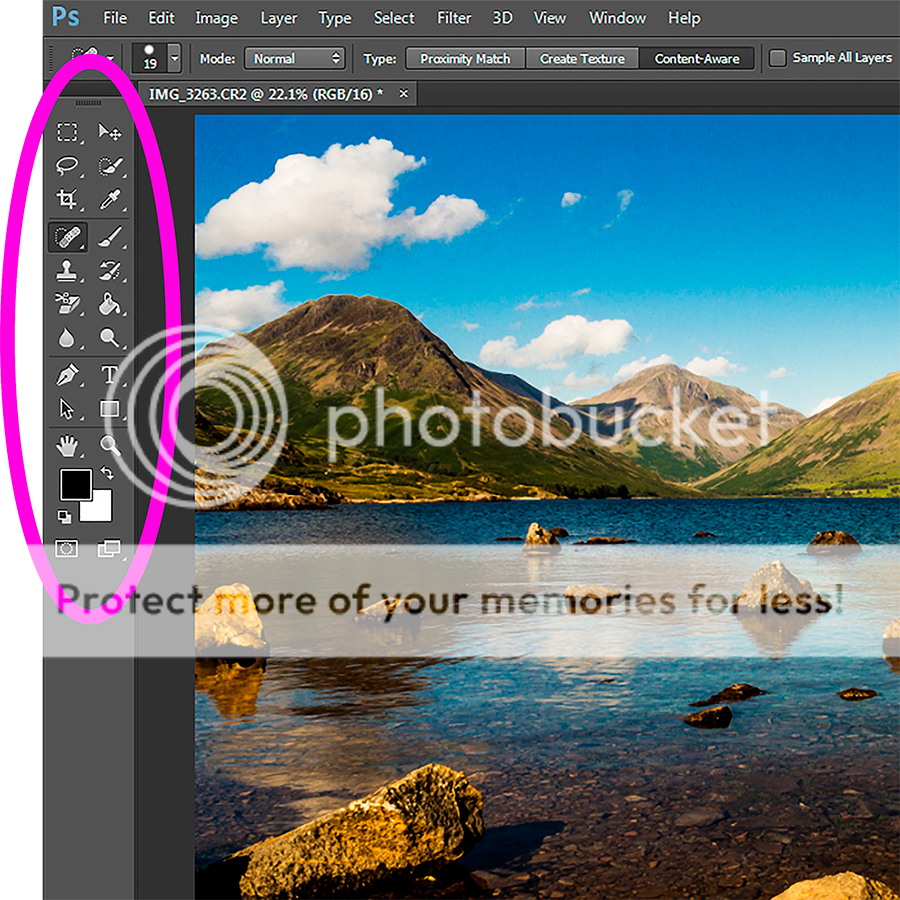
One thing that's really beginning to bug me though, is how incredibly small and difficult to see (especially with my eyesight) the Tools Panel is. It also doesn't help that whichever colour scheme I set, the icons stay an incredibly drab monotone.
Does anyone know if there's any way to make the panel/icons bigger? I've tried undocking it but I can't figure out a way to make it larger. Or how to colourise them?
To show what I'm after, here's the difference between Photoshop and Elements (11):