Dan,
2 of those were my own pics of my own guitars and the speakers are the speakers I use. If you look at the dimensions used on the Sonar stock icons, you can take pics of your stuff and make it work. You then just import your photos into the Sonar directory and you can have any icon you want.
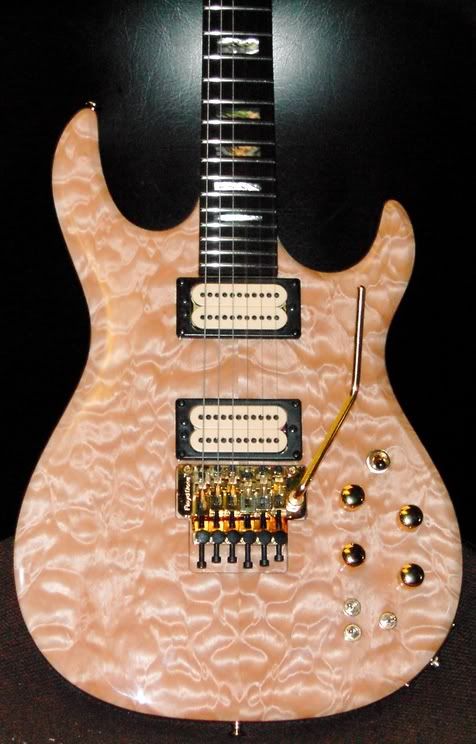
Like for example, tracks 38-42 are a blonde Carvin DC 400 custom guitar which is really this pic shrunk down:
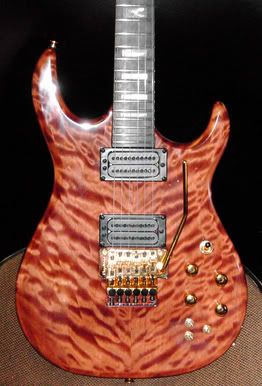
Track 2 and 3 busses are pics of my A7's and NS-10's that I took pics of, and bus 6 is another Carvin Dc 400 custom shot shrunk down:
So just look at the stock icon dimensions and shrink your photo to match and you can have your own custom icons. I have pics of all the instruments I use this way it helps me keep track of what I'm using at all times. Hope this helps. :)