Okay Everyone.. time for the update. After trying every step outlined in the above threads to avoid having the Core 1 max out, nothing helped me. I tried it all it seems and my system was still maxing out on the first core long before the others even came close.
Finally, I've decided to just bite the bullet and upgrade my RAM and my CPU. And instead of pussy-footing around with incremental changes, I've opted to just max out my motherboard's capabilities. What a freakin' difference!!
Now, I do realize that the attached images show 100% MIDI tracks with multiple effects. I am aware I can ease the CPU load by freezing tracks, bouncing down to audio files, using more sub busses, etc, etc. But I am using this example deliberately to get my original CPU to tap out.
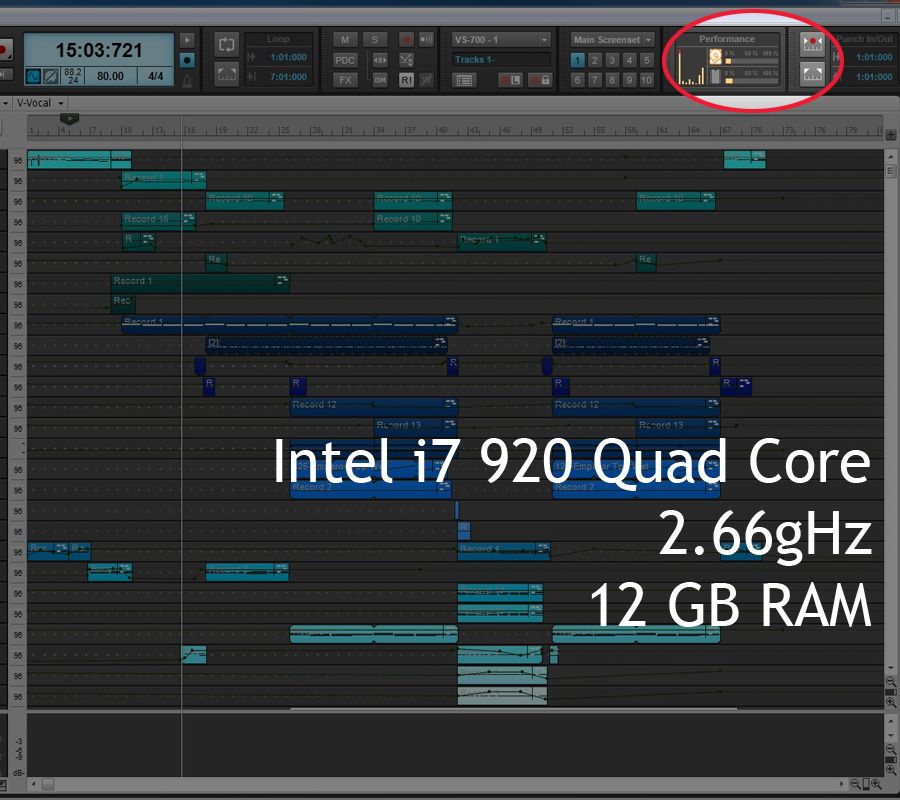
Fifteen bars into the composition, that Core 1 slams up into the red.
1. This is the original CPU (i7 920 2.66 gHz) with 12GB of RAM.
Today I upgraded my CPU and RAM.
2. This is the new CPU (i7 980x Extreme Edition 3.33 gHz) with 24GB of RAM.
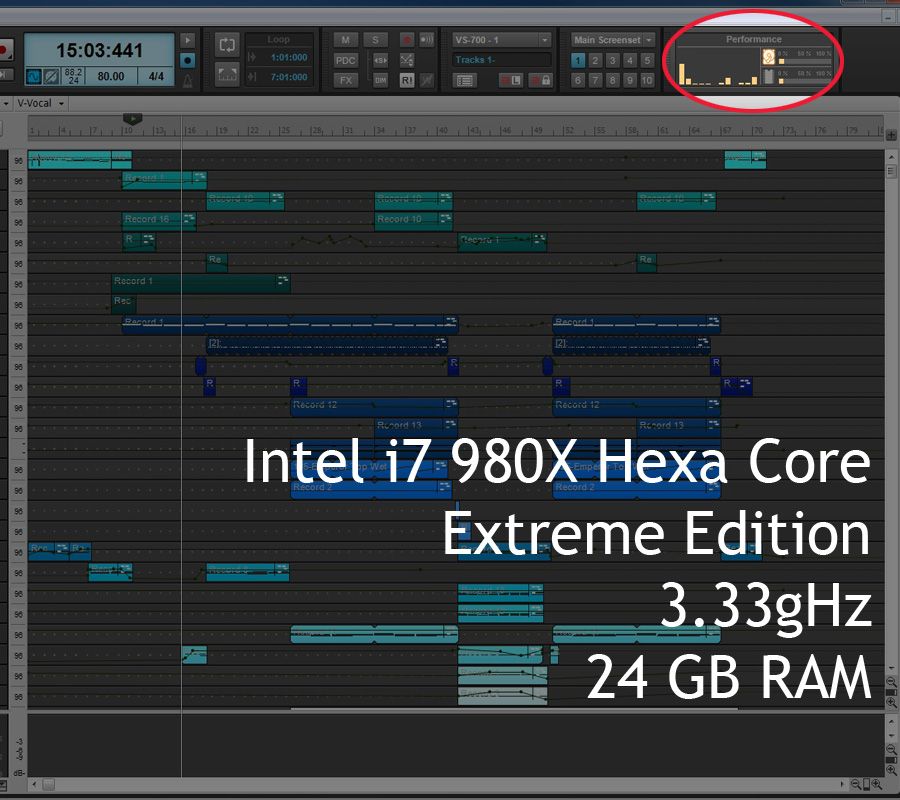
Same project, approximately the same capture on the timeline during playback. Major difference!! Plus, it's so nice to now see 12 virtual cores showing up in the CPU meter in Sonar X2 vs the previous 8. Interesting how Sonar rearranged that top info area to make room for the new CPU and performance meter. So yes, that first core of the new 12 is still taxed more than the others... but I've got plenty of headroom yet to go!
Hopefully I'm not going to be slamming up into the red ANYTIME soon now! Thanks everyone for all the input and advice on this subject.
