Anderton
FWIW you can click-drag on the right of the existing text box and stretch it to the length of the Automation drop-down box. If that's not enough, you can also type up to 128 characters in the text box. When you hover over it with your cursor, you'll see all the text.

I didn't know you could stretch the current text box, so that might be handy to know.
I did know you could type a lot of text in the box, which shows up as a "tool tip" when you hover over it. But I prefer to see something without having to move my pointer to a specific location. Probably me just being lazy

I sometimes like to provide explanations of how I created a particular piece and I take screenshots. Here's one I did recently where I used Paint to add some text in the Automation Lane:-
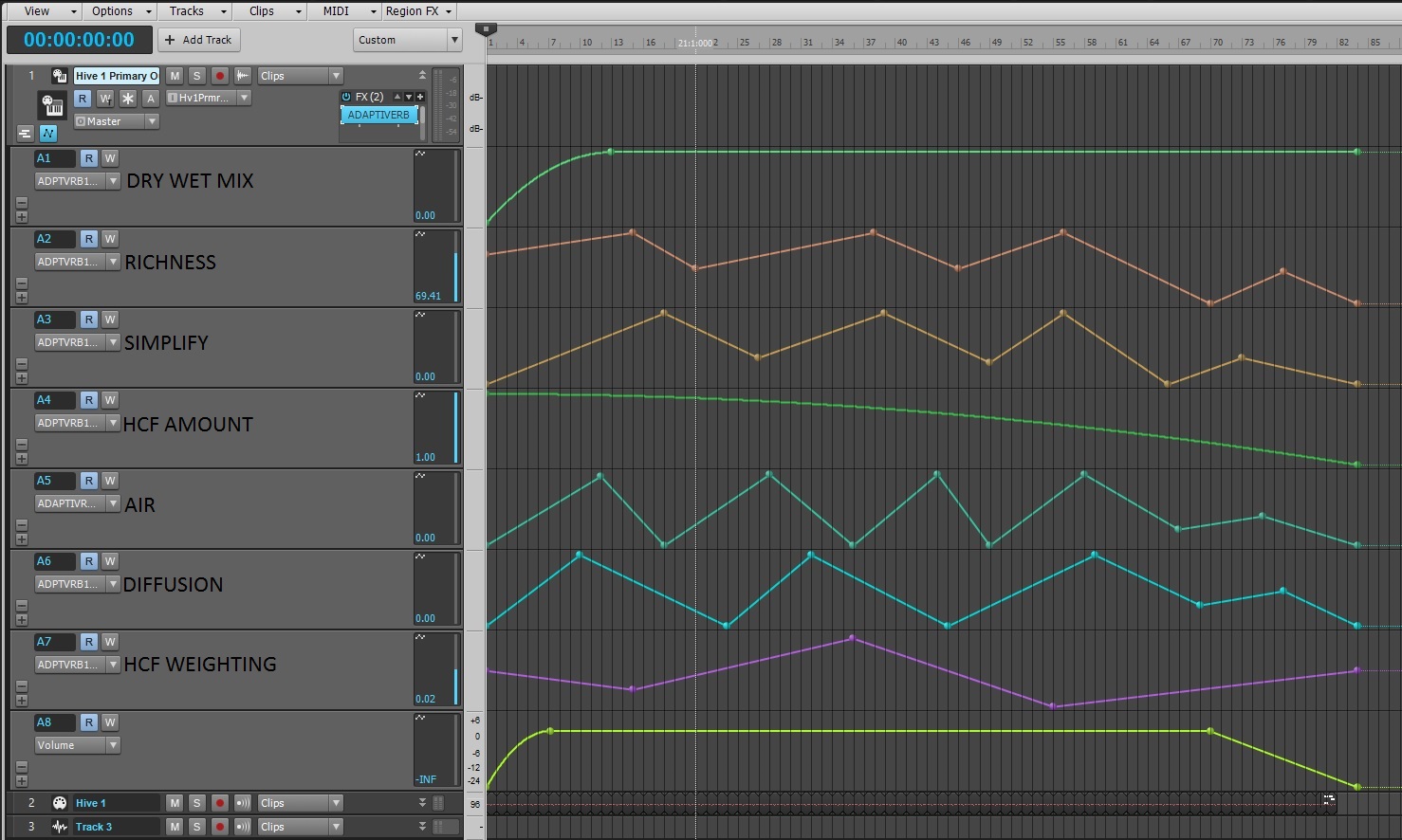
In hindsight, I could have done as advised by Craig, in this instance, as the text strings are not particularly long.
I still think it would be nice to be able to take a screenshot and see a comment in full, rather than something that could be truncated.
But it would still also help while working in a project too.
Just an idea, so I'm not too bothered. Not a show stopper or anything. But if we could have a comment box the same as the Take Lane then I would be really pleased.
cheers
andy